Calls that translate as you talk
Call anyone and simply talk in your own language. Sponkly shows live subtitles and reads each sentence aloud in the listener's language, in your own chosen voice, while audio and video stay end-to-end encrypted between the phones.
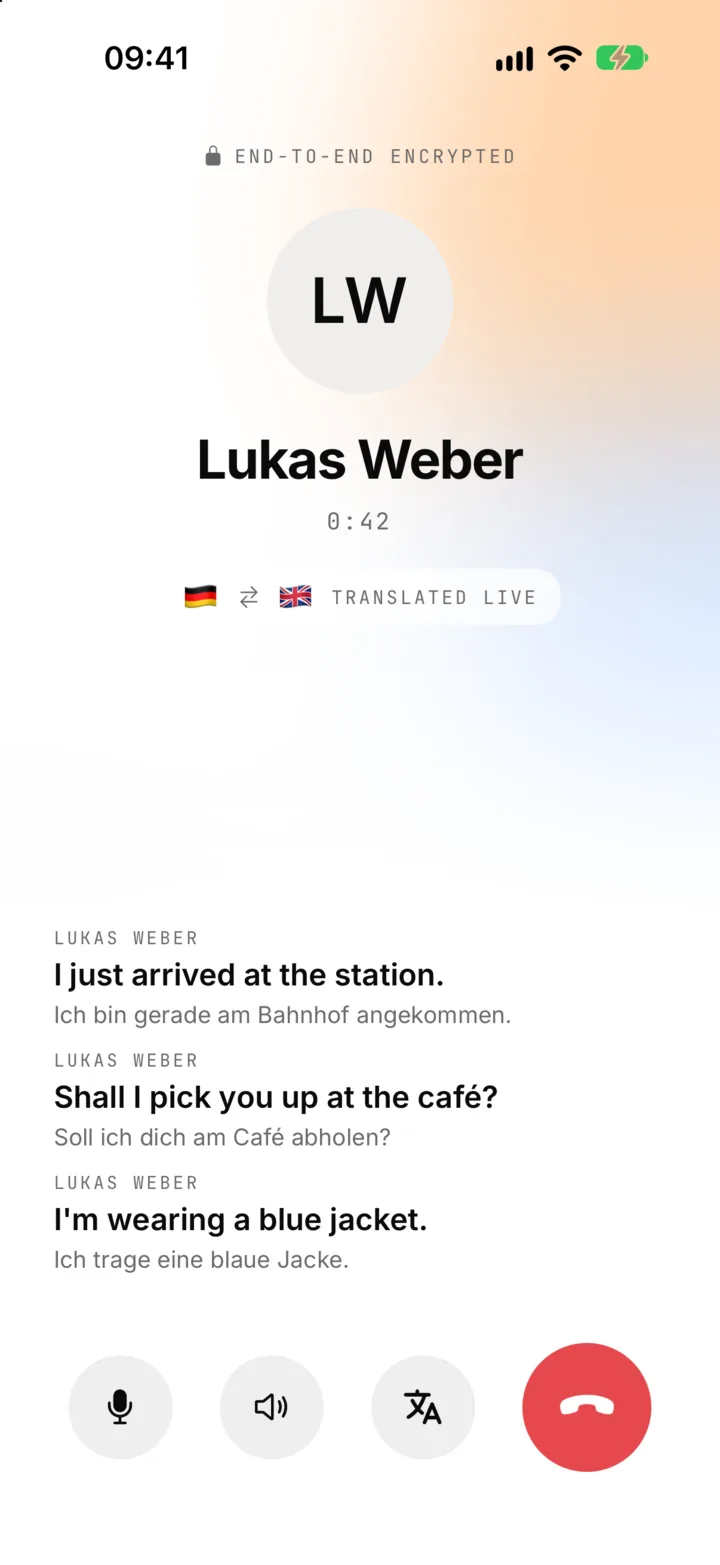
Live subtitles and a spoken translation
What you say is turned into text on your phone (on Android, Sponkly's own speech recognition steps in when the phone can't), translated by Sponkly as in meetings, and read aloud to the listener in the voice you chose in your profile. Nothing you say is stored. Prefer the real voice? Switch to hear the original at any time.
- Voice and video calls, one to one or in a group of up to 8
- Subtitles show the translation and the original
- Calls in the same language are free and unlimited
Everything a call needs
Start a voice or video call from the phone or camera button at the top of any chat, one to one or in a group. The call screen keeps the buttons you know, plus one for the translation.
- Mute, speaker, camera on or off and flip camera
- Hear their voice or hear the translation, at any time
- Live subtitles of the last sentences, translated and original
- A notice if minutes run out, a connection drops or a check fails
Your voice, in their language
Each person hears the others in their own language, and decides how.
A voice that fits you
In Profile → Language & voice choose a female or male voice and an age range: 18–35, 35–50 or 50+. Others hear your translated words in it.
The original, when you want it
Tap Hear their voice to listen to the speaker directly, and Hear the translation to switch back.
Subtitles as they talk
The translation and the original appear on the screen while the other person speaks.
Your language, from your profile
Sponkly knows which language you speak from your profile, and each person in the call hears it in theirs.
Private between the phones
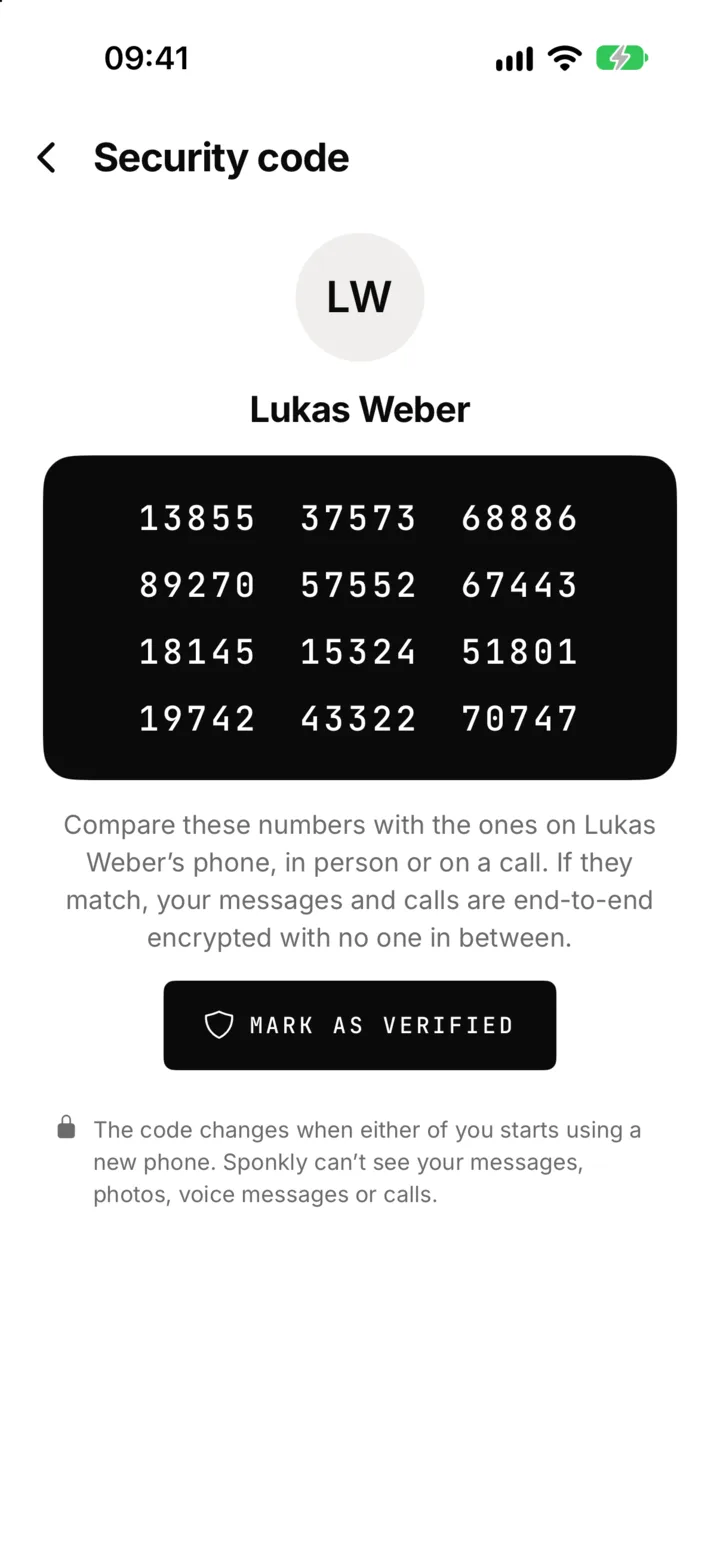
Audio and video travel directly between the phones, end-to-end encrypted. Every connection offer is signed with each phone's identity key, so the server that rings the call cannot slip in between. When translation is on, Sponkly translates what you say and keeps none of it.
- Encrypted media between the phones (DTLS-SRTP)
- Signed call set-up, checked on every phone
- Translation by Sponkly; nothing you say is stored
Rings like a phone call
Incoming calls ring on the lock screen, with answer and decline, on iPhone and Android. On iPhone, Sponkly calls also show in the phone's Recents, and the call history in Sponkly lets you call back in a tap.
- iPhone: rings like a phone call, with CallKit
- Android: a full-screen ring and a notification while the call goes on
- Recent calls: missed, declined, incoming and unanswered, with call back
- Already on a call? A new one doesn't ring over it
Simple rules for calls
Call as often as you like. Only translation uses minutes, and only the caller's.
Unlimited calls on every plan
You can call as often as you like on every plan. Translated calls use the caller's translation minutes, the same balance as meetings; when they run out the call simply goes on without translation.
Same language, no minutes
When everyone in the call speaks the same language, nothing is translated and no minutes are used.
Group calls by plan
In the free trial, calls are one to one. Group calls take up to 3 people on Starter, 5 on Professional and 8 on Business and Enterprise, following the plan of the person who calls.
Up to 4 hours
A call can last up to 4 hours. After it ends, a line in the chat shows the call and how long it took.
Also in your browser
Make and answer translated voice and video calls from a browser linked to your phone, with live subtitles and the translated voice, at sponkly.com.
On your linked devices too
Calls reach the devices linked to your phone, so you can answer on a browser, an iPad or a Mac.
| Plan | People in a call | Translation minutes a month |
|---|---|---|
| Loading plans… | ||
The same plans as on the Pricing page.