Watch YouTube in your language
English lessons, talks, news and tutorials: the Sponkly extension listens to the video as it plays and shows live subtitles in your language — and reads them aloud if you want. Nothing to download, no link to paste.
How it works
Add the extension to Chrome and sign in with your Sponkly account. Then open any video:
- Click the Sponkly icon in Chrome's toolbar
- Choose the language of the video and yours
- Click “Translate this tab”: subtitles appear over the video
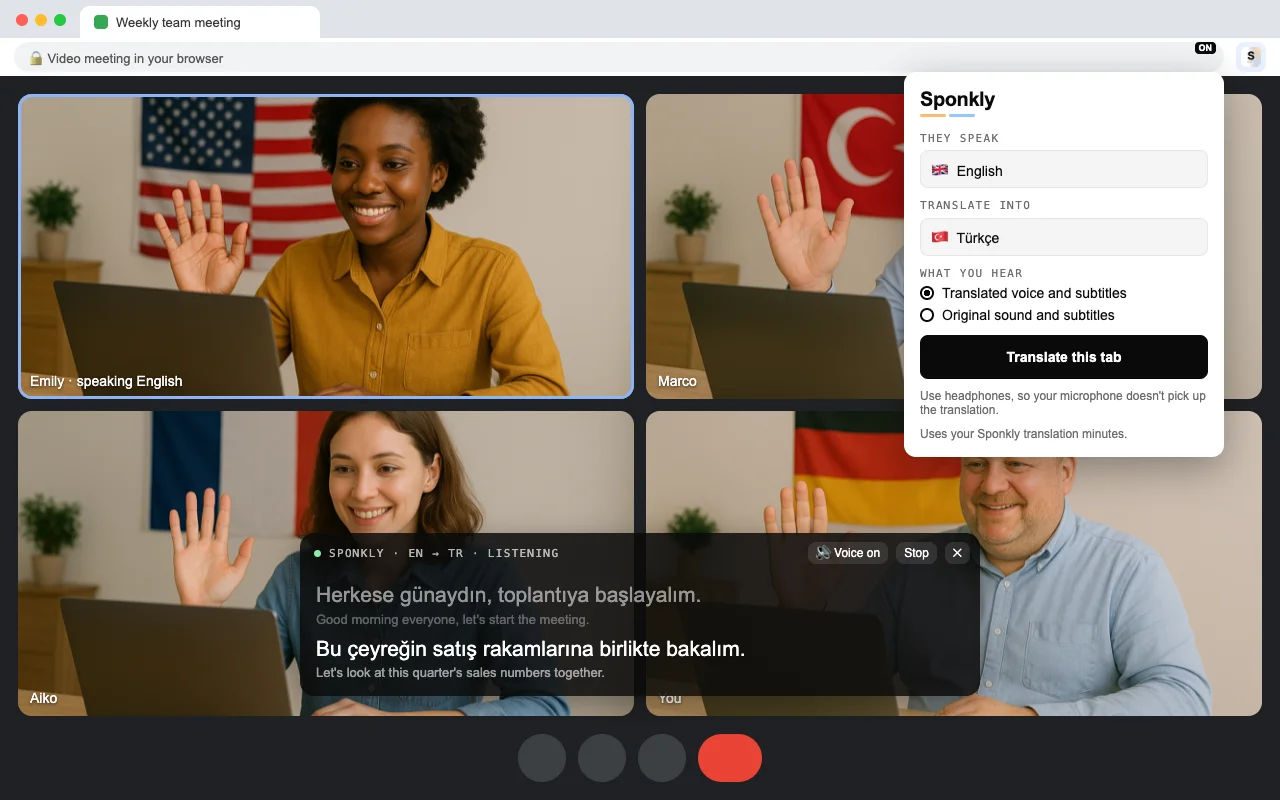
Any video in Chrome
If it plays with sound in a Chrome tab, Sponkly can translate it — on any website.
- YouTube videos, lessons and talks
- Online courses and webinars
- News, interviews and podcasts on the web
Why people like it
Live subtitles
What is said appears in your language over the video, a moment after it is spoken.
A voice in your language
Turn it on and a natural voice reads the translation while the original sound is lowered.
Nothing to download
You watch the video where it is. Sponkly only listens to the sound while it plays — no file, no link to paste.
32 languages
From English, Spanish and Arabic to Japanese, Hindi, Turkish and Ukrainian — choose the video's and yours.
Private
Only the tab you choose is listened to, and only until you stop. Nothing is recorded or stored.
Part of your plan
It uses your plan's translation minutes. Every new account starts with a 1-week free trial.
Questions
Do you download the video?
No. The video plays where it is, as usual. The extension only listens to the tab's sound while it plays and translates it live — nothing is downloaded or stored.
Does it work on my phone?
Not yet: iPhone and Android do not let one app listen to another app's sound. Use Chrome on your computer. On the phone, the Sponkly app's Face to Face mode can translate what it hears through the microphone.
What does it cost?
The extension is free to add. Translation uses your Sponkly plan's translation minutes; every new account starts with a 1-week free trial.
Which videos work?
Any video or audio with sound in a Chrome tab: YouTube, online courses, webinars, news sites, podcasts. Music with lyrics works less well than speech.