



Live support in every language, on your WordPress site
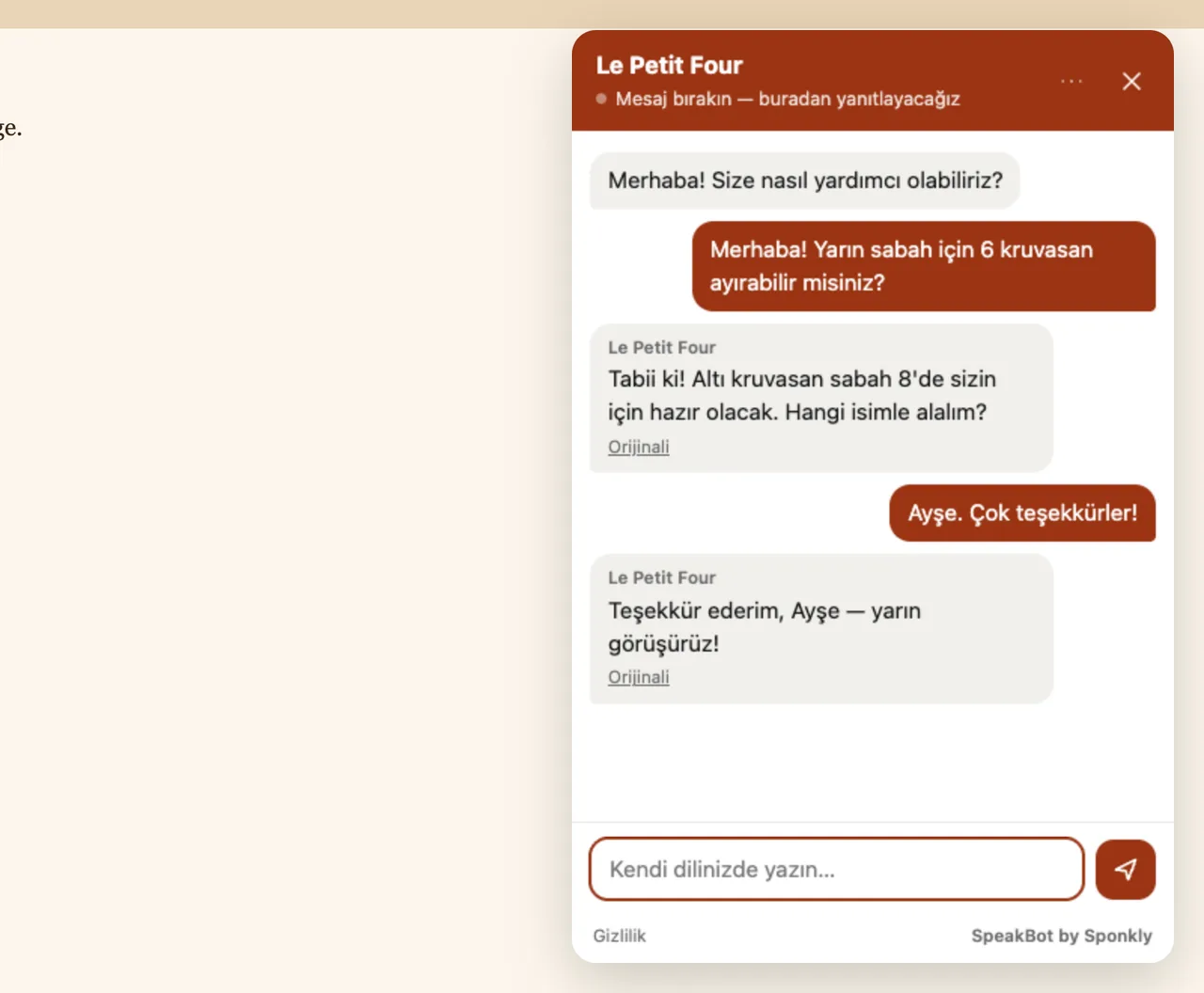
SpeakBot by Sponkly adds a chat bubble to your WordPress site. Visitors write, call or video call in their own language; your team answers in yours, translated live.
Installed in two minutes
Find “SpeakBot by Sponkly” in your WordPress dashboard or on WordPress.org. No code to add and nothing to configure but your site key.
- In WordPress: Plugins → Add New, search for “SpeakBot by Sponkly”, then install and activate it.
- In Sponkly: open Dashboard → SpeakBot, create a site and add your website’s address.
- Copy the site key into Settings → SpeakBot in WordPress. The chat bubble appears on every page.
Everything your visitors need, in their language
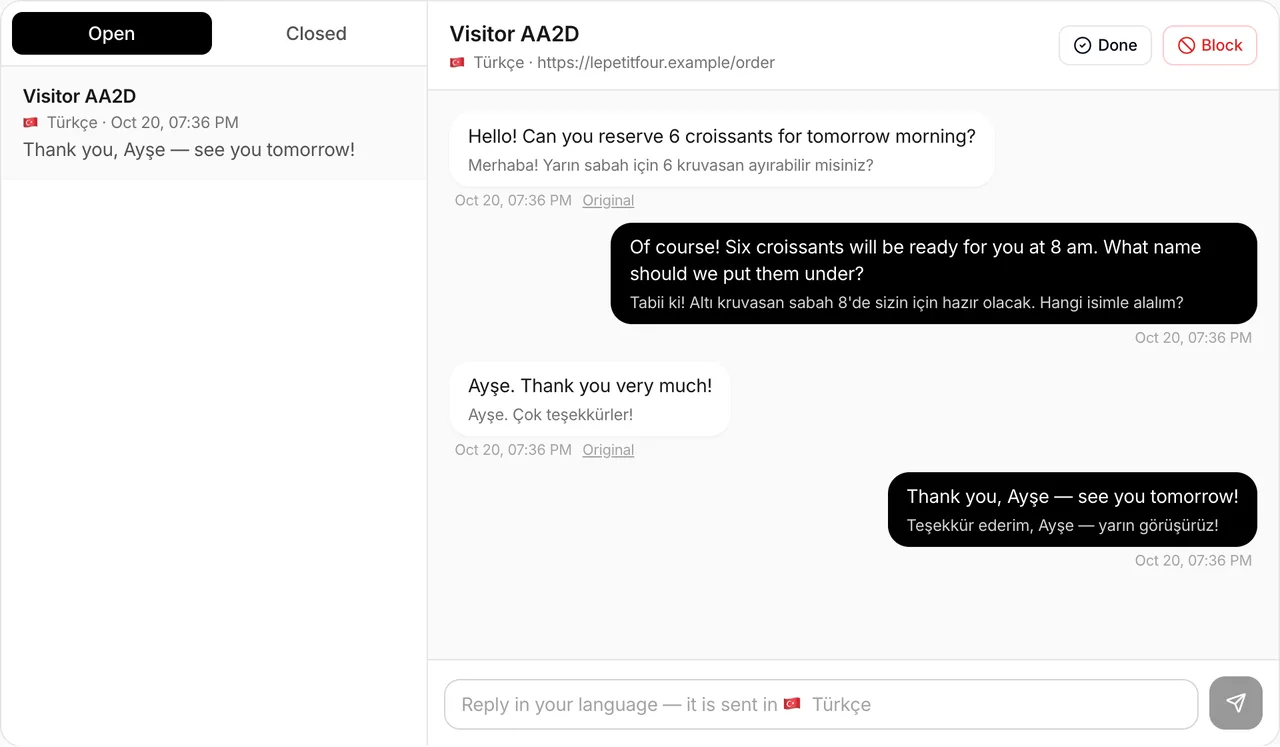
Translated live chat
Visitors write in their language and read your answers in theirs; your team reads and writes in its own.
Voice and video calls
Visitors can call or video call your team from the page, and each side hears the other translated live.
AI receptionist
When nobody is available, an AI receptionist answers in the visitor’s language, only from the information you give it.
Works with any theme
A small loader (about 4 KB) that loads in the background, with your colours, your logo and your greeting.
No cookies, no tracking
The widget sets no cookies and does not track visitors. Calls are never recorded.
Protected against spam
Only your verified websites can use your site key, with a proof-of-work check, limits and blocking.
32 languages
Visitors can write in any language Sponkly translates; voice and video calls work in 32 languages.
Questions
Which Sponkly plan do I need?
The plugin is free. SpeakBot itself is part of the Sponkly Business and Enterprise plans, so you need a Sponkly account with one of them.
Will it slow my site down?
No. The loader is about 4 KB and loads in the background; the chat opens in a frame only when a visitor uses it.
Does it work with WooCommerce and page builders?
Yes. The plugin adds SpeakBot to every page of your site, so it works with any theme, WooCommerce, the block editor, Elementor and other page builders.
What happens to the conversations?
What visitors write or say is sent to Sponkly to be translated and delivered to your team. The widget sets no cookies and calls are never recorded. Details are in Sponkly’s privacy policy.